Your logbook. Your licence. Your career. Yours.
Flight Deck keeps your logbook in the Jeppesen columns you already certify, watches every licence, medical and rating expiry, and turns renewal season into a printout. It belongs to you — not your employer — and it travels with you wherever you fly.
- Total time
- 6045:20
- PIC
- 5037:18
- Night
- 700:00
- CURRENTPassenger currency, day17 landings in 90 days, 3 needed
- LAPSEDPassenger currency, night0 of 3 landings in 90 days
- LAPSEDInstrument recency, approaches0 of 6 approaches in 180 days
- OKKCAA commercial pilot licenceExpires 14 Oct 2027
- OKKCAA medical, class 1Expires 1 Mar 2027
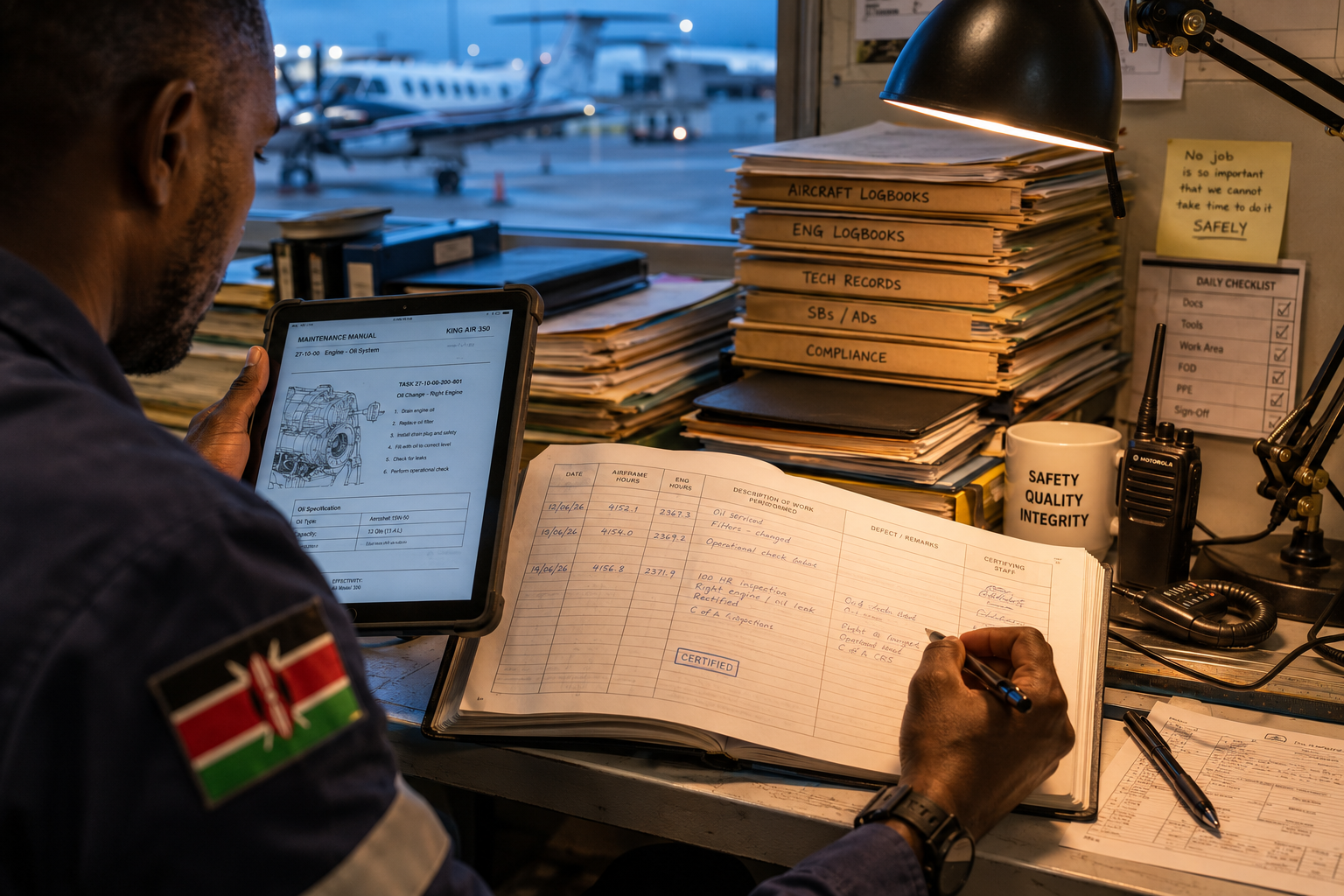
A pilot's career record deserves better than somebody else's filing cabinet.
Company systems hold your records while you fly there — change operators and your own history becomes something you request from a former employer.
PIC hours in the last six months, co-pilot hours in twelve, total time, date of the last instrument check — recomputed by hand from the book every time the licence comes up.
A medical, a type rating and an English proficiency endorsement all run on different clocks. Too often the reminder is the roster clerk who noticed too late.
Built around the pilot, not the operator.
| Date | From–to | Total | PIC | Dual | Ldg D/N |
|---|---|---|---|---|---|
| 15 Aug | — | 0:50 | 0:42 | — | 1 / 0 |
| 16 Aug | HKJK–HKML | 1:30 | 1:15 | — | 0 / 0 |
| 16 Aug | HKJK–HKML | 1:30 | — | 1:15 | 0 / 0 |
| 16 Aug | HKJK–HKJK | 0:55 | 0:45 | — | 3 / 0 |
| Total this page | 4:45 | 2:42 | 1:15 | 4 / 0 | |
| Amount forwarded | 6040:35 | 5034:36 | — | 2113 / 0 | |
| Total to date | 6045:20 | 5037:18 | 1:15 | 2117 / 0 | |
The Jeppesen columns, kept by the flight.
Date, make and model, ident, route, total duration of flight, category and class, landings day and night, conditions of flight, piloting time — the exact columns of the book you certify, one line per flight, across every operator you fly for plus your own flying. Start from your carried-forward totals in minutes, not months of back-typing.
- Block
- 1:30
- Air
- 1:15
- Landings
- 1
Filled in by the crew, signed by the commander on their own phone.
- Pilot logbookThe captain's own line is written at signing. Each other crew member accepts the flight into their own book.
- Duty recordA duty period, with report and release time included.
- Aircraft hoursHours and landings posted to maintenance once the closing hours are entered.
Filled by the crew, signed by the captain.
Any crew member fills the flight in on their own phone; the commander confirms and signs on theirs — a typed name, an explicit declaration, sealed against tampering. The operator's record updates itself from that same signed flight, showing exactly who submitted it and when, so nobody types a flight twice and nobody edits history.
- KCAA medical, class 11 Mar 2027
- KCAA commercial pilot licence14 Oct 2027
Everything with a date, watched.
Licences, ratings each on their own expiry, medicals with the next examiner appointment beside them, authorisations — carrying overdue, due-soon and upcoming status you can read at a glance. Unstated is never treated as fine.
- Total
- 6045:20
- PIC
- 5037:18
- Dual received
- 1:15
- Night
- 700:00
- Landings, day
- 2117
- Landings, night
- 0
Includes 6000:00 carried forward at 1 Jan 2026, and 45:20 flown since (34 entries).
- Total
- 45:20
- PIC
- 37:18
- Dual received
- 1:15
- Night
- 0:00
- Landings, day
- 17
- Landings, night
- 0
I certify that the entries in this log are correct.
Renewal-ready totals, in the logbook's own vocabulary.
One tap prints your hours summary for licence renewal — totals of record plus a recent-experience block, ending with the logbook's certification line for your own signature. The photographed pages of your paper book stay attached as the evidence behind your carried-forward totals.
Meet Neema.
Neema is the assistant built into every WingsPath screen. Ask how something works, in your own words, and Neema answers from WingsPath's own help pages and names the page it used.
Neema does not read your logbook or your records. Your book stays yours.
"How do I set my opening balances?"
Neema's own answer, asked on 30 Sep 2026. Nothing here was rewritten except the formatting.
No company sees your logbook entries or totals — not an operator, not a school, and not Savanna Avia staff, whose accounts cannot open them either. You choose what each company sees, one item at a time, and nothing goes to KCAA except what you hand in yourself.
Built against the KCARs and KCAA's own forms and circulars — not another authority's rules with the badge swapped.
A signed flight is never overwritten. A correction supersedes it and both versions stay on the record — exactly the discipline a paper logbook demands.
Change operators and everything travels with you: one invite adds the new company to your account, and every hour you have ever logged stays yours.
Questions we are asked.
- How do I get an account?
- Ask for one on this page and we will set it up. You need no company behind you, and no employer is involved. Open sign-up is not switched on yet.
- Who can see my logbook?
- You. No company sees your entries or totals — not an operator, not a school — and Savanna Avia staff accounts cannot open them either. You choose what each company sees, one item at a time.
- Can I bring in the logbook I already have?
- Yes. Import it from a spreadsheet, or start from your carried-forward totals and add flights from there.
- What if I fly for more than one operator?
- Flights signed at each operator you fly for are offered to you, and the ones you accept join the same book, one line per flight, beside your own flying. Change operator and the book stays yours.
- Can I take my data with me?
- Yes. You can download everything held about you as one file.
Bring your book home.
Ask for an account and we will set it up — you need no company behind you, and no employer is involved. If you already fly for an operator or school on WingsPath, your account is the same one, seen from your own door.